Education4 min read
What Is a Variable in Programming? A Plain Explanation
A variable is a named place where a program keeps a value it needs later. What that means, how naming and data types work, and the slips beginners make.
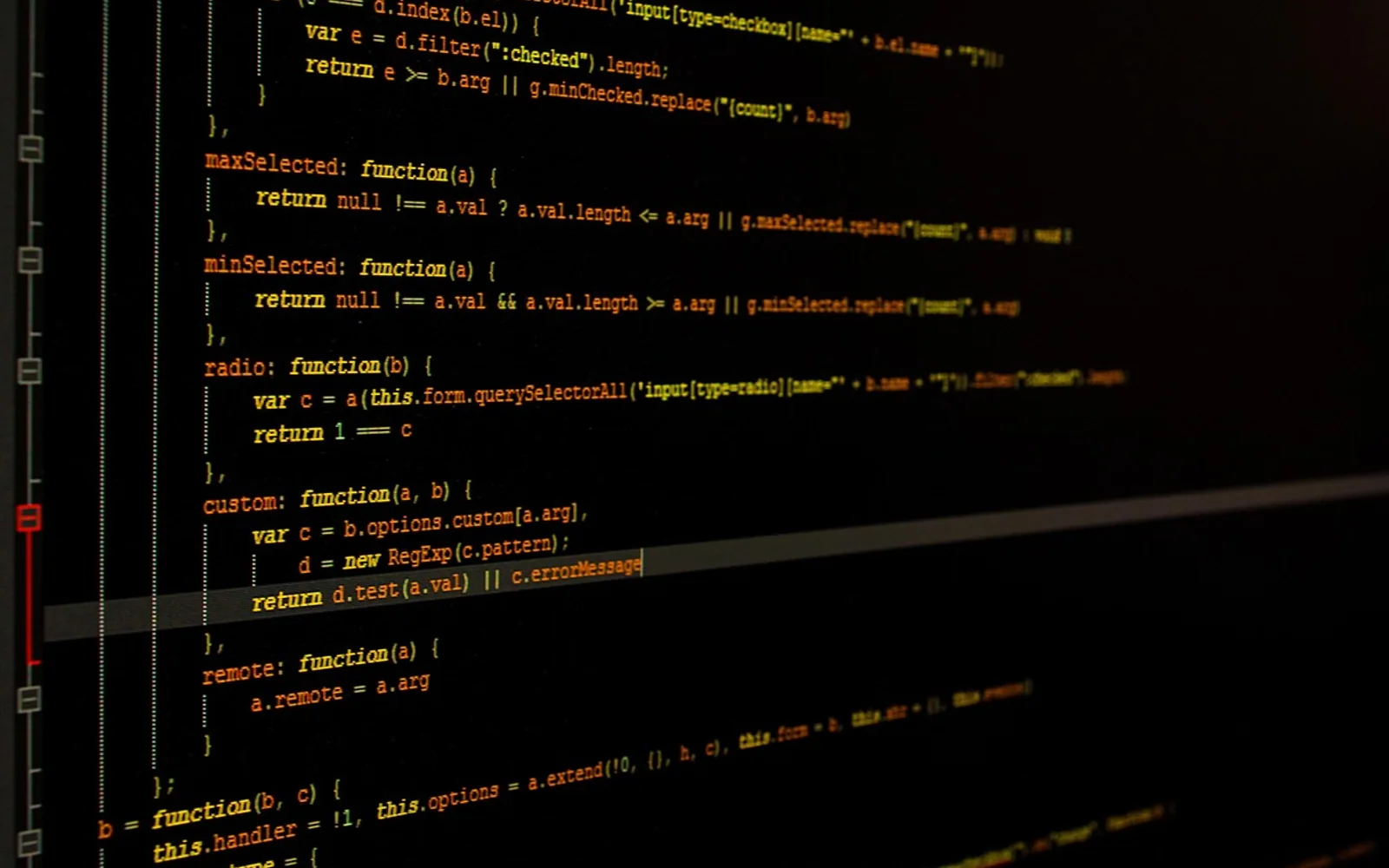
Open any beginner course in any language and the first real concept after printing "hello" to the screen is the variable. It sounds like algebra homework, and the comparison is not entirely wrong, but in programming the idea is more practical. A variable is simply a name a program uses to keep track of a value so it can use or change that value later.
The labelled box picture
The classic way to imagine a variable is as a box with a label on it. You put something in the box, write a name on the label, and from then on you can refer to the contents by that name. If a program needs to remember a player's score, it might create a variable called score and put zero in it. Every time the player earns a point, the program takes the value out, adds one and puts the new value back.
The picture has limits. In many languages a variable is closer to a sticky note attached to a value than a box that physically holds it, and two names can point to the same thing. Beginners do not need that detail on day one, but it explains some surprises later, such as changing a list through one name and seeing the change through another.
Three things every variable has
- A name that you choose, so the code reads like a description of what is happening.
- A value, the actual data: a number, a piece of text, a true-or-false flag, a list and so on.
- A type, which describes what kind of value it is and therefore what you can do with it.
Assignment is not equality
Most languages use the equals sign to put a value into a variable. That trips people up, because in maths the sign means both sides are the same. In code, a line like "score equals score plus one" is perfectly sensible: it means "work out the right-hand side, then store the result under the name on the left". Many languages use a doubled equals sign, or a tripled one, when they actually want to compare two values.
Data types in everyday terms
| Type | Holds | Everyday example |
|---|---|---|
| Integer | Whole numbers | Items in a shopping basket |
| Floating point | Numbers with a decimal part | A temperature reading |
| String | Text | A username or an address |
| Boolean | True or false | Whether a user is logged in |
| List or array | Several values in order | The songs in a playlist |
Some languages ask you to declare the type up front and refuse to mix types without being told. Others work the type out for you and let a variable hold a number now and text later. Neither approach is wrong; they trade early strictness against early convenience. Strict languages catch certain mistakes before the program runs, while relaxed ones let beginners get something working sooner.
Naming variables well
Names cost nothing and pay back every time you reread your own code. A few habits help:
- Describe the content, not the type: total_price says more than number1.
- Follow the convention of your language, whether that is words joined by underscores or capital letters in the middle.
- Avoid single letters except for short counters inside a loop, where everyone expects them.
- Do not reuse one variable for two unrelated jobs; create a second one instead.
Scope: where a name is visible
A variable does not exist everywhere in a program. One created inside a function is usually only visible inside that function, which is a feature rather than a nuisance: it keeps different parts of a program from trampling on each other's data. When a name that worked a moment ago suddenly produces an "undefined" error, the variable has usually fallen out of scope.
Beginner slips worth knowing
- Typos in names. A single wrong letter creates a brand-new name, and the program either complains or quietly uses an empty value.
- Using a variable before giving it a value. Set a starting value as soon as you create it.
- Mixing text and numbers. The number five and the character "5" are different things; adding them can join text instead of doing arithmetic.
Practise with something you care about
The quickest way to make variables feel natural is to write tiny programs about real things: a tip splitter, a countdown to a birthday, a tally of books read this year. Teachers know this well, which is why Student practices the codes argues for hands-on repetition over theory. Once variables feel comfortable, a look at how pages are built in HTML vs CSS is a good next step into the visible side of coding.
Worth a second look
 EducationHTML vs CSS: What Each One Does on a Web Page4 min
 Real EstateMortgages in Australia Explained: Complete Breakdown for First-Time Homebuyers3 min
 NewsPlanning a Day Trip from Boston: Best Nearby Cities and How to Build an Efficient Route3 min
 EducationWhat Is Pseudocode? How to Write It, With Simple Examples4 min