What Is a Game Engine? What It Does and Where Beginners Start
A game engine is the software foundation a game is built on: rendering, physics, input, sound and scripting. What each part does and how to pick a first engine.
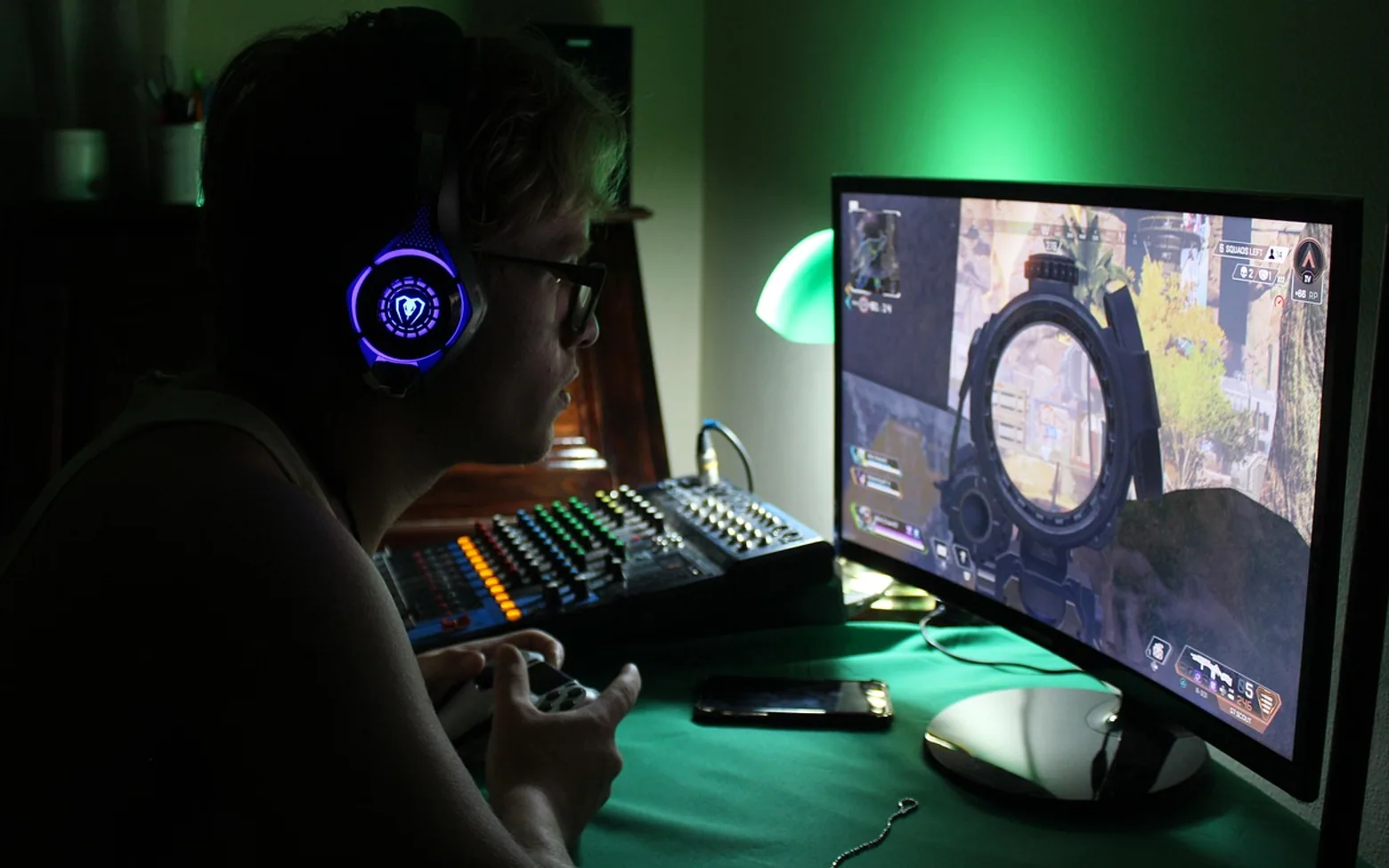
A game engine is a reusable software foundation that handles the work almost every game needs: drawing graphics, simulating movement and collisions, playing sound, reading the controller or keyboard, and loading levels. Developers build their game on top of it, writing only the rules and content that make their project unique. Without an engine, a team would have to write all of that plumbing from scratch before the first character could even walk.
What sits inside an engine
Engines differ a lot, but most bundle the same core systems.
| System | Job | What a player notices |
|---|---|---|
| Renderer | Turns models, sprites, lights and cameras into images on screen | How the world looks, frame by frame |
| Physics | Simulates gravity, collisions and forces | Crates that tumble, characters that cannot walk through walls |
| Input | Reads keyboards, mice, gamepads and touch screens | Controls that respond the moment a button is pressed |
| Audio | Plays and mixes music and sound effects, sometimes in 3D space | Footsteps that get louder as an enemy approaches |
| Scripting | Lets developers write the game's own rules and behaviour | Scoring, enemy behaviour, quests, puzzles |
| Asset pipeline | Imports images, models, animations and sounds into a usable format | Nothing directly, but it shapes loading times and file size |
| Editor | A visual workspace for arranging scenes and tweaking values | Nothing directly; it is the developer's workshop |
Many engines also export the finished game to several platforms, such as desktop computers, phones, consoles or the web, from the same project. Console exports usually require separate approval from the platform holder.
The game loop, the engine's heartbeat
At the centre of every engine is a loop that repeats many times per second while the game runs:
- Read input: which keys are pressed, where the mouse or stick is pointing.
- Update the world: move characters, run physics, check collisions, apply the game's rules.
- Render: draw the new state of the world to the screen.
Each pass through that cycle produces one frame. When people talk about a game running at a certain number of frames per second, they are describing how quickly the loop completes. Understanding this loop explains a lot of beginner bugs, such as movement that speeds up on a faster computer because it was tied to frames rather than to elapsed time.
Engine, framework or library?
The terms overlap, but a rough distinction helps when reading tutorials:
- A library handles one job, such as loading images or playing sound. Your code stays in charge and calls the library when needed.
- A framework provides more structure, often including the loop itself, but usually without a visual editor. You write most things in code.
- An engine is the fullest package: systems, tools and an editor, with your scripts slotted into its structure.
Large studios sometimes build their own in-house engines to fit a particular style of game. Smaller teams and solo developers usually choose a general-purpose engine. Widely discussed examples include Unity, which is scripted mainly in C#; Unreal Engine, which uses C++ alongside a visual scripting system called Blueprints; and Godot, an open-source engine with its own Python-like language, GDScript.
Choosing a first engine
No engine is the right answer for everyone. These questions narrow the field more usefully than any ranking:
- 2D or 3D? Some engines are especially comfortable with flat, sprite-based games; others are built around detailed 3D worlds.
- Which language appeals? If you already know a little of one language, an engine that uses it lowers the hill.
- How good are the learning materials? Clear documentation and an active community matter more than a long feature list.
- Will your computer cope? Engines aimed at high-end 3D can be demanding; check the stated system requirements.
- What are the licence terms? Fees and revenue rules differ between engines and have changed over time, so read the current terms directly before committing to a commercial project.
Good first projects
Ambition is the usual trap. A first game should be small enough to finish in days, not months:
- A one-screen game where a shape dodges falling objects.
- A clone of a classic paddle-and-ball game.
- A simple platform level with jumping, one enemy and an exit.
- A text-based quiz with a score and a timer.
Each of these touches input, the update step and rendering without drowning in content. Finishing one teaches more than starting five.
Questions people ask
Do you need to know how to code to use a game engine?
Not to begin. Visual scripting lets people connect nodes instead of typing code, and editors handle a lot through menus. Sooner or later, though, most projects benefit from real scripting, and the basics carry over directly from general programming: functions, variables, conditions and loops are the same ideas wearing game-shaped clothes.
Can a game be made without an engine?
Yes. Some developers prefer writing their own loop on top of a framework or graphics library, for full control or for learning. It is more work, and most beginners get further, faster, with an engine handling the heavy systems.
How do engines relate to games that keep updating for years?
Long-running titles depend on engines and tools that make frequent content updates practical. The way live service games add new maps and modes on a schedule relies heavily on that kind of pipeline. For writing scripts comfortably, it also helps to know what a code editor or IDE adds alongside the engine's own editor.
Worth a second look
 EducationHTML vs CSS: What Each One Does on a Web Page4 min
 Real EstateMortgages in Australia Explained: Complete Breakdown for First-Time Homebuyers3 min
 NewsPlanning a Day Trip from Boston: Best Nearby Cities and How to Build an Efficient Route3 min
 EducationWhat Is Pseudocode? How to Write It, With Simple Examples4 min