Entertainment2 min read
Troubleshooting Common IPTV Issues: Quick Fixes for Belgian Users
A symptom-by-symptom guide for Belgian viewers whose internet TV stutters, loses channels or drops audio, with fixes to try before calling support.
Updated
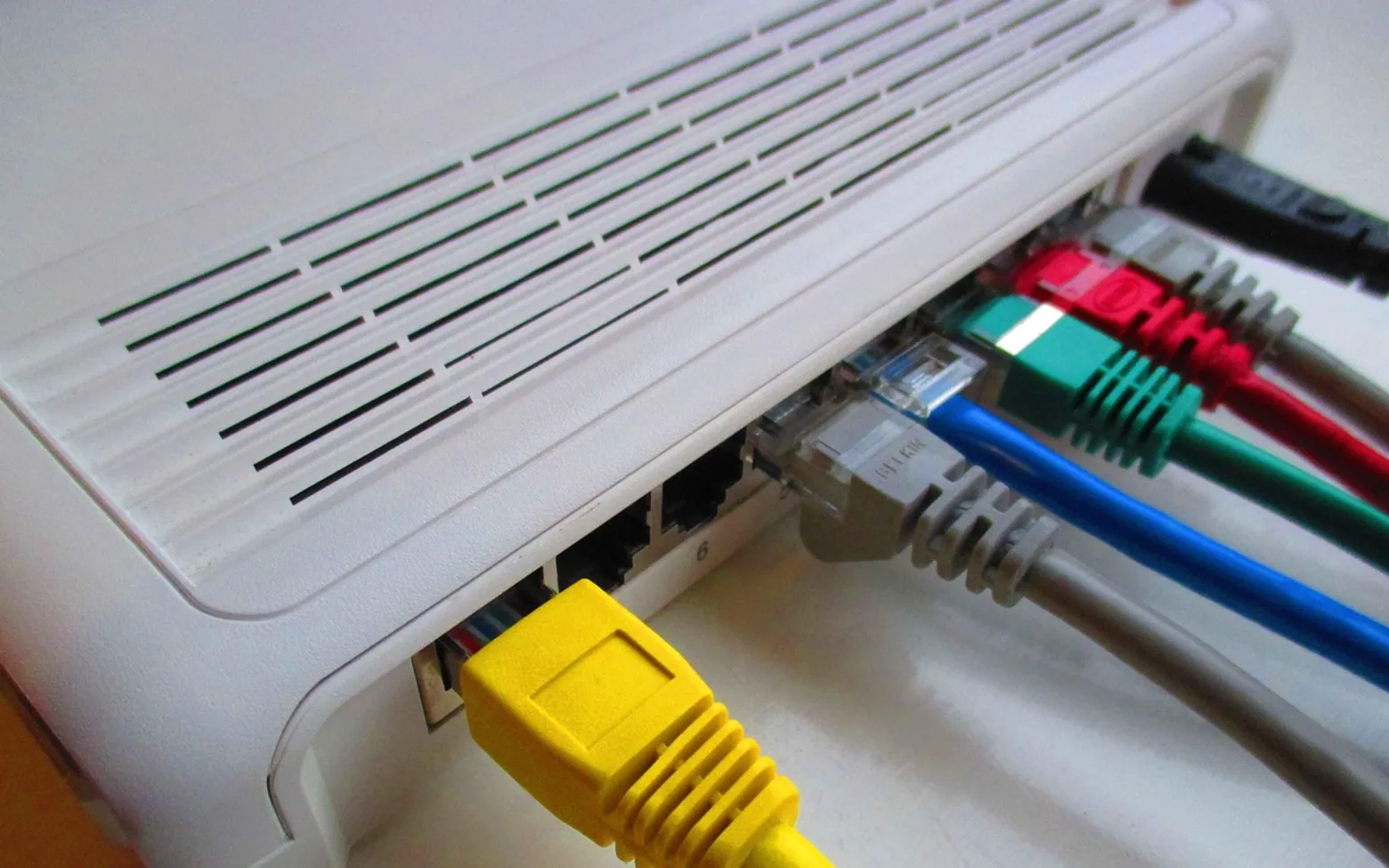
Internet television usually just works, which makes it all the more irritating when it does not. A frozen picture during the Sunday match or a guide that suddenly shows no channels rarely means anything serious. Most faults trace back to one of four places: the home network, the device, the app or the account. Working through them in that order saves time and avoids a long wait on a support line.
Reading the warning signs
| What you see | Most likely cause | First thing to try |
|---|---|---|
| Picture pauses and spins | Weak or busy connection | Restart the router, use a cable |
| Blocky or blurry image | Quality set too high for the link | Drop to a lower resolution |
| Empty channel list | Expired login or outdated playlist | Sign out and back in |
| Wrong language audio | Default track setting | Change the audio track in the player |
| App closes on launch | Old version or full cache | Update the app, clear its cache |
Step-by-step checks
- Test the connection. Run a speed test on the same device you watch on, not on a phone in another room. If results swing wildly, the problem is the network rather than the service.
- Power-cycle the router. Unplug it, wait a short while, then reconnect. This clears many small faults that build up over weeks.
- Use a cable where possible. A wired connection to the television or streaming box removes most wifi interference, which is common in Belgian terraced houses with thick brick walls.
- Restart the app and device. Close the app fully rather than just returning to the home screen, then reboot the television or stick.
- Update everything. Check for updates to the app, the television's system software and, if available, the router's firmware.
- Refresh account details. Confirm the subscription is active, re-enter login details and reload the programme guide.
- Reduce competing traffic. Hold off on big downloads, console patches and photo backups during viewing. Routers with quality-of-service settings can give streaming priority.
Language and guide quirks
Belgium's mix of Dutch, French and German channels adds its own small puzzles. A programme may start in the wrong audio language because the player remembers the last choice, and subtitles can switch on without warning after an update. Most apps keep audio and subtitle options behind a single button in the playback screen. If the guide shows the right channels but the wrong programme times, check that the device's time zone and clock are set correctly, as a wrong clock confuses many guides.
When it is time to contact the provider
If a wired connection tests well, everything is updated and the fault continues, the issue is probably on the provider's side. Note what you saw, when it happened and which channels were affected before getting in touch, because clear details speed up any fix. Viewers comparing a dependable iptv subscription will find that helpful support pages and clear setup guides make troubleshooting far quicker. For an overview of available packages and device instructions, many Belgian households start with iptv plans that list compatible devices up front.
As a general rule, stick with an operator that holds the rights to show its channels in Belgium; such operators usually keep their apps maintained and answer when something breaks.
Worth a second look
 EducationHTML vs CSS: What Each One Does on a Web Page4 min
 Real EstateMortgages in Australia Explained: Complete Breakdown for First-Time Homebuyers3 min
 NewsPlanning a Day Trip from Boston: Best Nearby Cities and How to Build an Efficient Route3 min
 EducationWhat Is Pseudocode? How to Write It, With Simple Examples4 min
Latest by topic
Also in Entertainment
-
 Entertainment Korean Karaoke Types Explained: Coin Booths, Noraebang and Private Lounges 5 min read
 -
 Entertainment Subtitles, Dubs or Original Audio? Setting Up Language Options for a Mixed Household 4 min read
 -
 Entertainment Discover the Benefits of IPTV in Germany for Modern Streaming Fans 2 min read