EducationGadgetsNews2 min read
We are living in a complex world
Software runs banking, shopping and school life, so more schools teach coding. What to consider: age-appropriate lessons, first languages, devices and teachers.
Updated
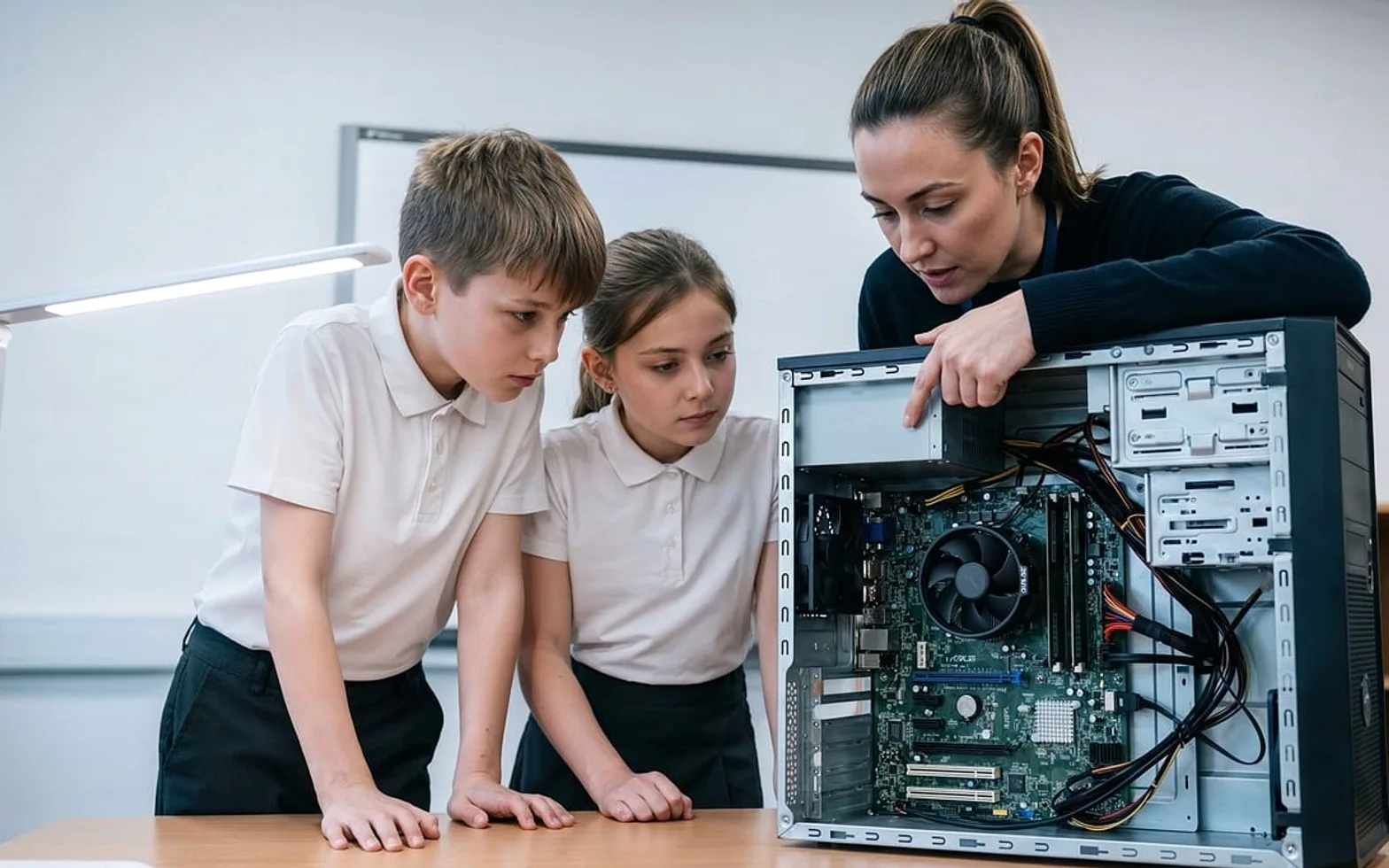
Behind almost every ordinary task sits a layer of code. Paying for groceries with a card, checking a bus timetable, submitting homework through a school portal or streaming a film all depend on programs that someone wrote, tested and maintains. For young people growing up surrounded by this invisible machinery, understanding a little of how it works is becoming as natural a goal as learning to write a clear paragraph.
Why coding belongs in the classroom
Programming is often presented as a career skill, and it can certainly open doors in software, data, design and many technical trades. Yet the benefits reach students who never become developers. Writing even a small program teaches learners to break a problem into steps, test an idea, read error messages calmly and try again. Those habits carry over to mathematics, science and everyday decision making.
Coding also turns students from consumers of technology into people who can shape it. A pupil who has built a simple game or web page looks at apps differently, with more curiosity and a healthier dose of scepticism.
Matching lessons to age
There is no single right starting point. What works depends on how old the learners are and how long they can concentrate.
| Stage | Typical approach |
|---|---|
| Early primary | Unplugged games, sequencing activities, simple floor robots |
| Upper primary | Visual block-based tools where commands snap together |
| Lower secondary | First text-based languages, basic web pages with HTML and CSS |
| Upper secondary | Larger projects, data handling, version control and teamwork |
Pushing advanced syntax on young children usually backfires, while giving older students nothing but drag-and-drop puzzles can feel patronising. Teachers who adjust pace and format to each group keep motivation high.
Choosing the first language
Schools often begin with HTML because results appear instantly in a browser, which is rewarding for beginners. Strictly speaking, HTML describes structure rather than logic, so CSS for styling and a scripting or general-purpose language usually follow. The key is depth over breadth: students gain more from becoming comfortable with one language than from sampling five without mastering any.
Equipment, access and support
Practice is where learning sticks, and practice needs machines. Before launching a coding programme, schools benefit from thinking through a few practical questions:
- Are there enough working computers or tablets for regular hands-on time?
- Is the internet connection reliable enough for looking up documentation and tutorials?
- Can students continue projects at home, or do some need access after school?
- Do teachers have time and training to feel confident with the material?
The last point is often overlooked. Enthusiastic teachers who are learning alongside their pupils can do excellent work, but they need planning time, shared resources and a colleague to ask when a lesson goes sideways.
Introduced thoughtfully, coding lessons help students make sense of a world built on software and give them tools to contribute to it rather than simply scroll through it.
Worth a second look
 EducationHTML vs CSS: What Each One Does on a Web Page4 min
 Real EstateMortgages in Australia Explained: Complete Breakdown for First-Time Homebuyers3 min
 NewsPlanning a Day Trip from Boston: Best Nearby Cities and How to Build an Efficient Route3 min
 EducationWhat Is Pseudocode? How to Write It, With Simple Examples4 min