Apps2 min read
AI Headshot Generators: A Smarter Way to Update Your Profile Photo
How AI headshot generators turn a batch of everyday selfies into polished profile photos, what to prepare beforehand and how to pick the most natural result.
Updated
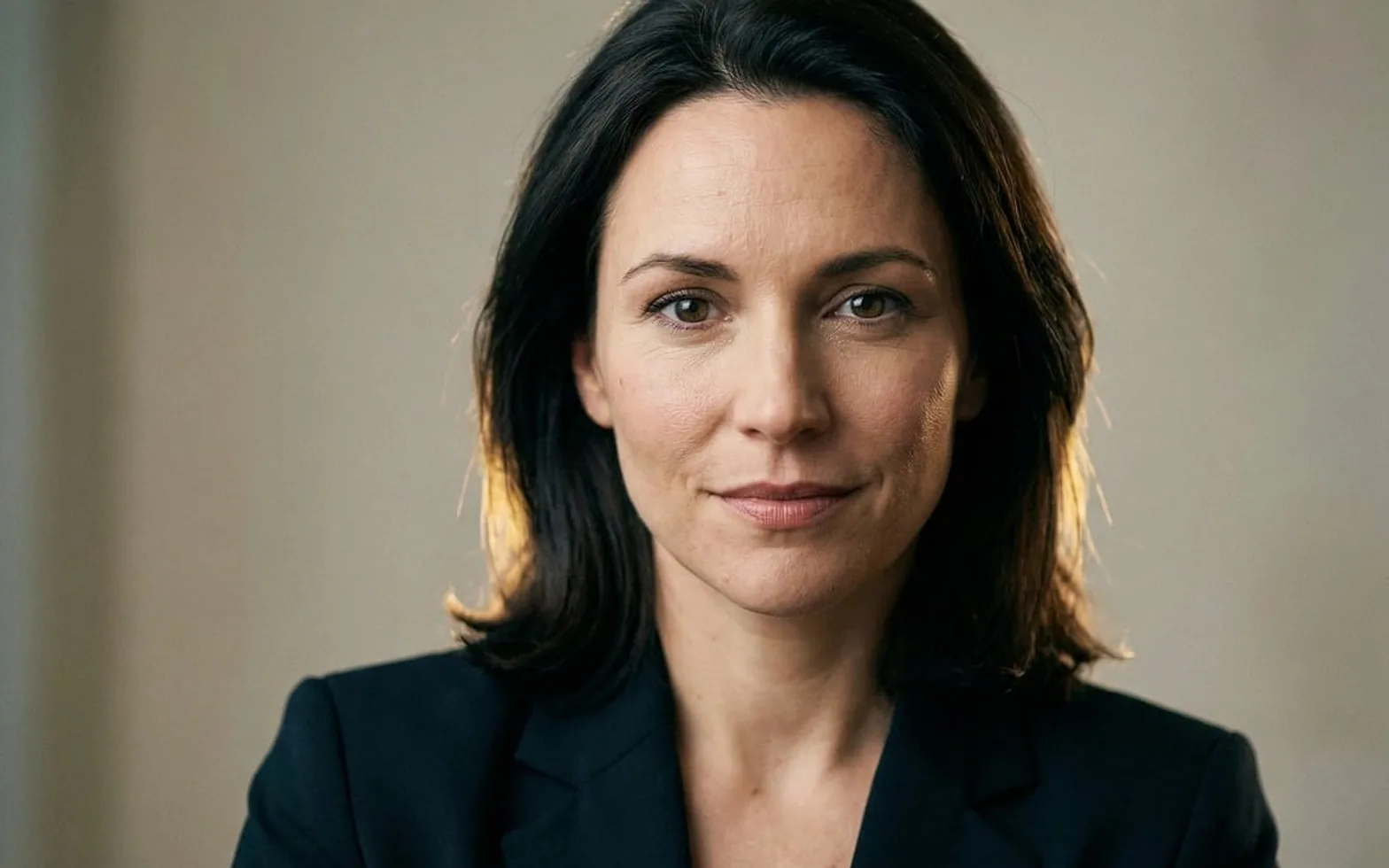
Many professional profiles still show a photo taken several haircuts and one or two jobs ago. Booking a photographer, choosing an outfit and finding a free afternoon is enough friction to postpone the update indefinitely. AI headshot generators remove most of that friction by working from pictures you can take at home, and the results have become good enough that plenty of people now use them for LinkedIn, team pages and speaker bios.
Why the photo still carries weight
Before anyone reads a summary or a job history, they see a face. A clear, well-lit portrait makes a profile feel current and cared for, while a cropped holiday snapshot or a blurry webcam grab can make an otherwise strong page look neglected. Freelancers, recruiters, consultants and remote employees are especially exposed to this, because their first impression is almost always online. Being able to refresh the image whenever a role or a look changes is the real benefit, not just saving money on a single shoot.
What happens behind the upload button
The workflow is similar across most services. You upload 10–20 selfies, ideally taken in different spots and at different times of day, and the software studies them to learn the shape of your face, your features and how you look from several angles. It then generates new portraits that place that likeness in studio-style lighting, with tidy backgrounds and business or smart-casual clothing. Within a short wait you receive a gallery of variations to choose from.
What comes out mirrors what goes in. A varied, honest set of photos teaches the model more than a dozen near-identical shots from the same mirror.
Getting better source photos
- Face a window for soft, even daylight rather than standing under a ceiling lamp.
- Include straight-on, slightly turned and three-quarter angles.
- Mix neutral and smiling expressions so the results do not all look the same.
- Remove sunglasses and hats, and avoid heavy filters or beauty modes.
- Wear a couple of different tops so the model does not lock onto one outfit.
Choosing the final image
Galleries can contain dozens of options, and not all of them will look like you. Pass over any version that smooths away freckles, changes your eye shape or makes you look noticeably younger; the aim is a sharper version of yourself that colleagues will recognise on a video call. Ask a friend to pick their favourite too, since people are often poor judges of their own photos.
Consider where each image will appear. A tighter crop works in small circular avatars, while a slightly wider frame suits a website bio. Using the same chosen portrait across platforms keeps your presence consistent.
A sensible checklist before you commit
- Read how the service stores and deletes the photos you upload.
- Confirm the licence lets you put the portraits on a business website or in marketing material.
- Look at sample results from people with different skin tones and hair types.
- Keep the original selfies yourself in case you want to try another style later.
Treated as a convenient tool rather than a disguise, an AI generator makes it easy to keep your profile photo as up to date as the rest of your professional story.
Worth a second look
 EducationHTML vs CSS: What Each One Does on a Web Page4 min
 Real EstateMortgages in Australia Explained: Complete Breakdown for First-Time Homebuyers3 min
 NewsPlanning a Day Trip from Boston: Best Nearby Cities and How to Build an Efficient Route3 min
 EducationWhat Is Pseudocode? How to Write It, With Simple Examples4 min