GadgetsInnovation2 min read
Tech to Identify Fake IDs Quickly and Efficiently
From smartphone document scanners to UV lamps and barcode readers, here is how venues and businesses can spot forged ID cards faster and with fewer mistakes.
Updated
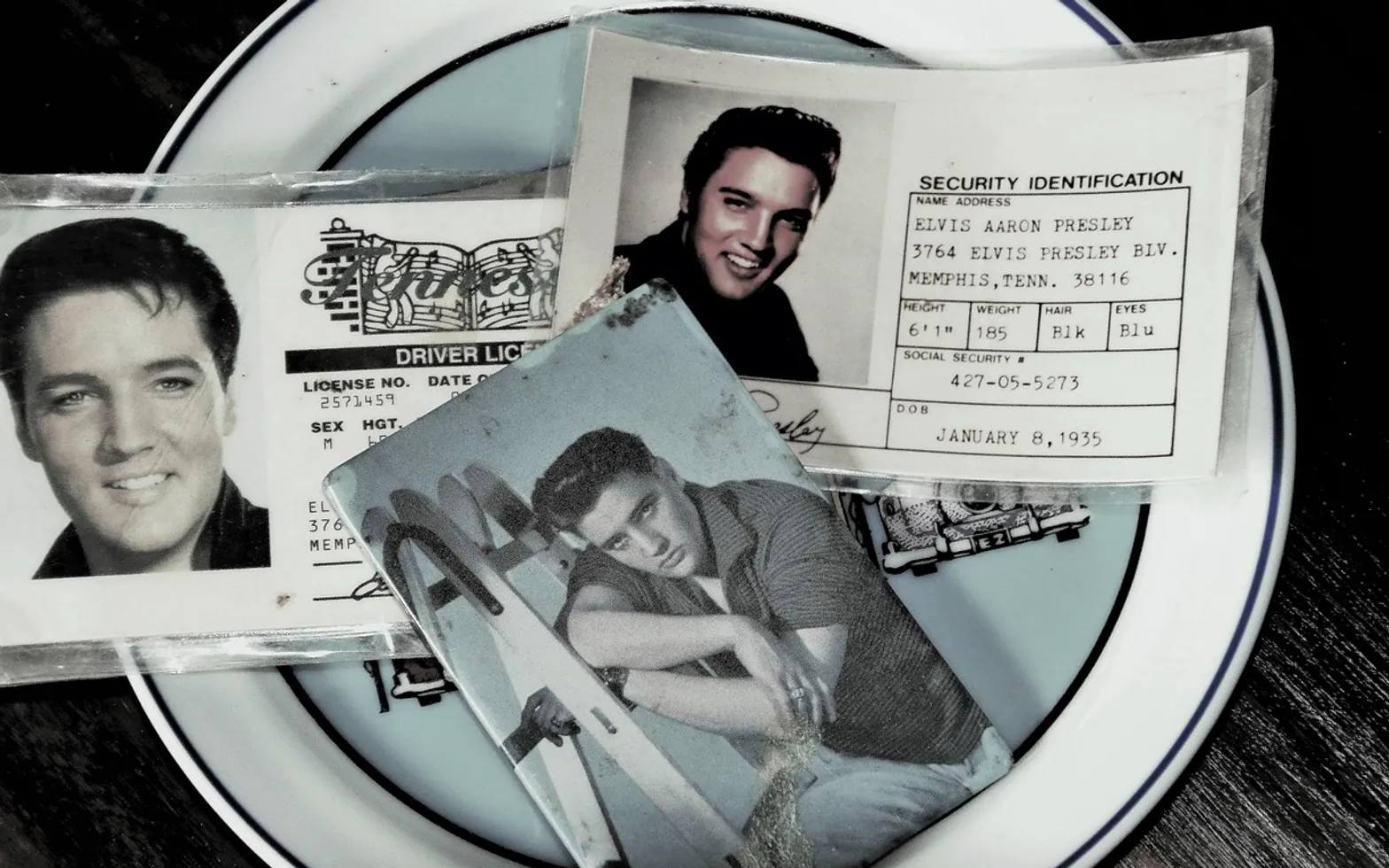
Door staff at a busy venue may have only a few seconds per guest. In that time they need to decide whether a card is genuine, whether the photo matches the face and whether the holder is old enough to enter. Forgeries have become more convincing, so a quick glance is no longer enough. Fortunately, the tools for checking identity documents have improved as well.
Software that reads the whole document
The most capable option is document-scanning software that captures an ID with a camera and checks it automatically. A service built for driving license verification can pull the printed details, read machine-readable zones and barcodes, and compare the layout with known templates for that document type. It handles driver's licences, national ID cards and passports, and because it runs on an ordinary smartphone or tablet, it fits neatly at a reception desk or building entrance.
The appeal is speed and consistency. Instead of each employee judging cards in their own way, every guest receives the same check, and the result appears within moments.
Age-check apps for bars and shops
Retailers selling alcohol or tobacco often want something narrower: confirmation that the customer is above the legal age and that the card has not been tampered with. Dedicated age-verification apps scan the barcode on the back of a licence, decode the date of birth and flag cards whose data looks inconsistent. Some also keep a log of scans, which can help a business show that it takes its legal duties seriously.
Ultraviolet light and magnification
Not every check needs software. Many government documents include security features that only appear under ultraviolet light, such as hidden images, fibres or patterns. A compact UV lamp at the counter lets staff pass a card under the light and see whether those markers are present. If they are missing or look blurred, the card deserves a closer look.
- Hold the card under the lamp and look for the issuer's hidden graphics.
- Tilt it under normal light to check holograms and colour-shifting ink.
- Use a small magnifier on the microprinting, which is often smudged on copies.
- Run a finger along the edges and surface for signs of a lifted or replaced photo.
People still matter
Technology works best alongside trained staff. Employees should know what the common local documents look like, how to compare a face with an ID photo and how to handle a refusal politely. Asking a simple question about details on the card, such as the postcode or year of birth, often reveals a hesitation that no scanner would catch.
Putting a system together
The right setup depends on the business. A nightclub with a long queue may favour fast app-based scanning at the door, while a small shop might combine a barcode reader with a UV lamp beneath the till. Whatever the mix, data protection rules apply wherever personal details are captured, so it is worth checking how long scan records are kept and who can see them. Done properly, ID checks become quicker for honest customers and much harder for anyone holding a forgery.
Worth a second look
 EducationHTML vs CSS: What Each One Does on a Web Page4 min
 Real EstateMortgages in Australia Explained: Complete Breakdown for First-Time Homebuyers3 min
 NewsPlanning a Day Trip from Boston: Best Nearby Cities and How to Build an Efficient Route3 min
 EducationWhat Is Pseudocode? How to Write It, With Simple Examples4 min